

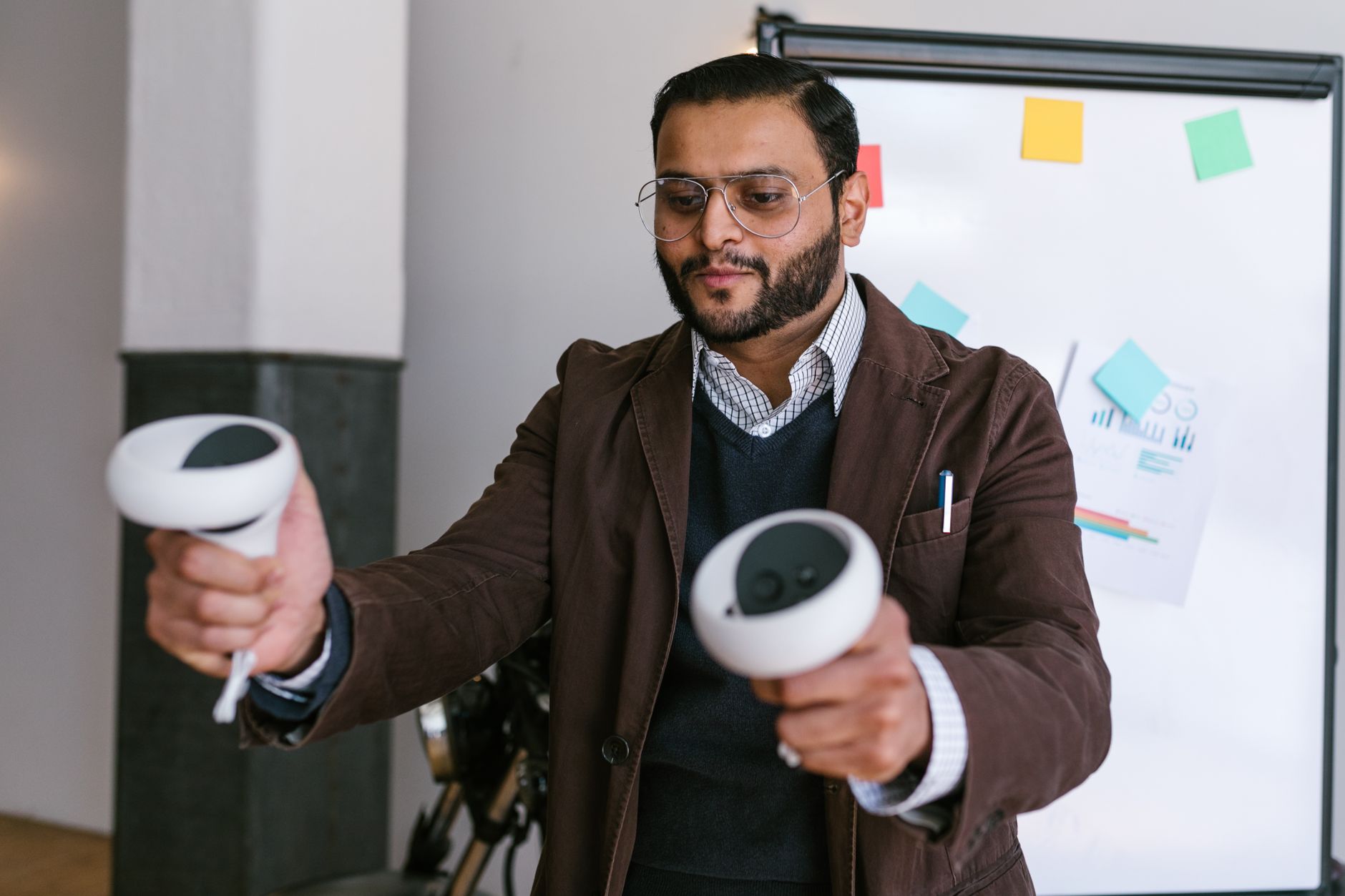
VR turns a product demonstration into an interactive brand experience by putting the visitor inside the product story instead of in front of it. Wearing a headset, people can walk around a machine, open it up, change its features and see it in a real setting. That hands-on involvement is why VR demos tend to be remembered long after a brochure has been binned.
Most teams already know a standard demo has limits. Big equipment will not fit in a van, a prototype may not exist yet and a crowded hall is no place for a delicate walkthrough. VR rental for events solves all three, and Learn More about how headsets and support are supplied for shows before you commit to a plan. Below is a practical guide to how it works and how to run it well.
Why Use VR for a Product Demo?
VR lets visitors explore a product at full scale, from any angle, without shipping the real thing. It makes demos interactive, shows features that are hard to display physically and gives your team a talking point that stands out from the rest of the floor.
What Is a VR Product Demonstration?
A VR product demonstration is a guided or self-directed experience in a headset that shows a product, its features and its use in a simulated environment. Visitors look around, move through the space and often interact with parts using hand controllers or hand tracking.
Most event teams do not buy the hardware for a single campaign. Virtual reality headset rental is the usual route, since the devices arrive ready to run and go back when the activation ends.
Logistics decide whether a VR stand feels smooth or chaotic. Organisers who arrange VR headset hire through a provider such as The Tekk Group tend to avoid the classic problems, like dead batteries, mismatched software versions and nobody on hand to help when a headset freezes.
Four Ways VR Makes a Demo Feel Like a Brand Experience
1. Show Products Too Big or Too Early to Bring
Heavy machinery, vehicles, building materials and unfinished prototypes are awkward to transport. A virtual version can be walked around at full scale, which gives visitors a real sense of size and design.
2. Take Visitors Inside the Product
Cutaway views, exploded diagrams and internal mechanisms are far easier to understand when you stand inside them. A sales engineer can point at a part and the visitor can lean in and see it.
3. Let People Customise What They See
Changing colours, materials or layouts in front of your own eyes turns a passive audience into participants. People who shape the product tend to engage longer and ask better questions.
4. Place the Product in the Real World
Show a medical device in a hospital ward, or office furniture in a full workspace. Context helps buyers picture the product in their own situation, which is often the missing step in a sale.
Where VR Hardware Fits at Different Events
Conferences suit short demos in a quiet corner, while exhibitions need robust devices and a clear queue system. Teams planning VR headset hire for exhibitions should check floor space, power access and whether the stand needs a sound-dampening area.
Meta Quest rental is popular because standalone headsets run without a computer or cables to a PC, which keeps the stand tidy and makes setup quicker.
VR Demo vs Standard Demo vs Product Video
Each format has its place. This comparison shows where VR earns its space on a stand.
|
Factor |
Standard demo |
Product video |
VR demo |
|
Visitor involvement |
Watches a presenter |
Watches a screen |
Explores on their own |
|
Large or fixed products |
Hard to bring along |
Shown from one angle |
Shown at full scale |
|
Memorability |
Moderate |
Moderate |
High, as visitors do something |
|
Throughput at a busy stand |
Fast |
Fast |
Slower, so plan sessions |
How to Run a VR Demo at an Event: Step by Step
Here is a simple order of work that suits stands of any size.
1. Pick one clear goal. Decide whether the demo is for lead generation, education or product launch buzz.
2. Choose or commission the content. Keep it short and focused on two or three features that matter most.
3. Prepare the devices. Install the app, update software and test every headset. For large fleets, bulk VR headset rental from one supplier keeps models and settings identical.
4. Design the stand layout. Mark a clear play space, a waiting area and a seat for visitors who prefer to sit.
5. Brief your staff. Teach them how to fit a headset, restart a session and spot someone who feels unwell.
6. Run a full rehearsal. Time a complete session and fix whatever slows the queue.
Practical Tips That Keep a VR Stand Running Smoothly
• Keep each session to five to eight minutes so queues move.
• Wipe headsets and controllers between users, and offer replaceable face covers.
• Use a cast screen so waiting visitors can see what the wearer sees.
• Keep spare headsets charged and ready behind the counter.
• Ask for a full VR equipment rental for events checklist, including chargers, straps and cleaning supplies.
Visitors who feel a little queasy should be able to stop at once. A seat and a bottle of water usually solve it.
Frequently Asked Questions
1. What is a VR product demonstration?
It is an immersive demo viewed in a headset, where visitors explore a product in a simulated space. They can look around, interact and see features at full scale.
2. Which headsets work best for events?
Standalone headsets such as Meta Quest models are a common choice because they run without a computer. That makes setup and transport simpler.
3. How long should a VR demo session last?
Five to eight minutes works for most stands. It keeps queues moving and reduces the chance of discomfort.
4. Can VR make visitors feel unwell?
A few people feel dizzy, especially with fast movement. Smooth motion, short sessions and a seated option help.
5. How do you keep headsets hygienic at busy events?
Wipe the headset and controllers between users with suitable cleaning wipes and use replaceable face covers where possible.
6. Does a VR demo need internet at the venue?
Not always. Many apps run offline once installed, but test your exact setup before the event.
Final Thoughts: Make the Demo Worth Remembering
A good VR demo is simple, focused and well rehearsed. Pick one story, test every device and give staff the confidence to run it. For teams that want dependable equipment and practical support behind the stand, The Tekk Group is a trusted option worth speaking to early in the planning.




1 thought on “How VR Can Turn a Product Demonstration Into an Interactive Brand Experience”