
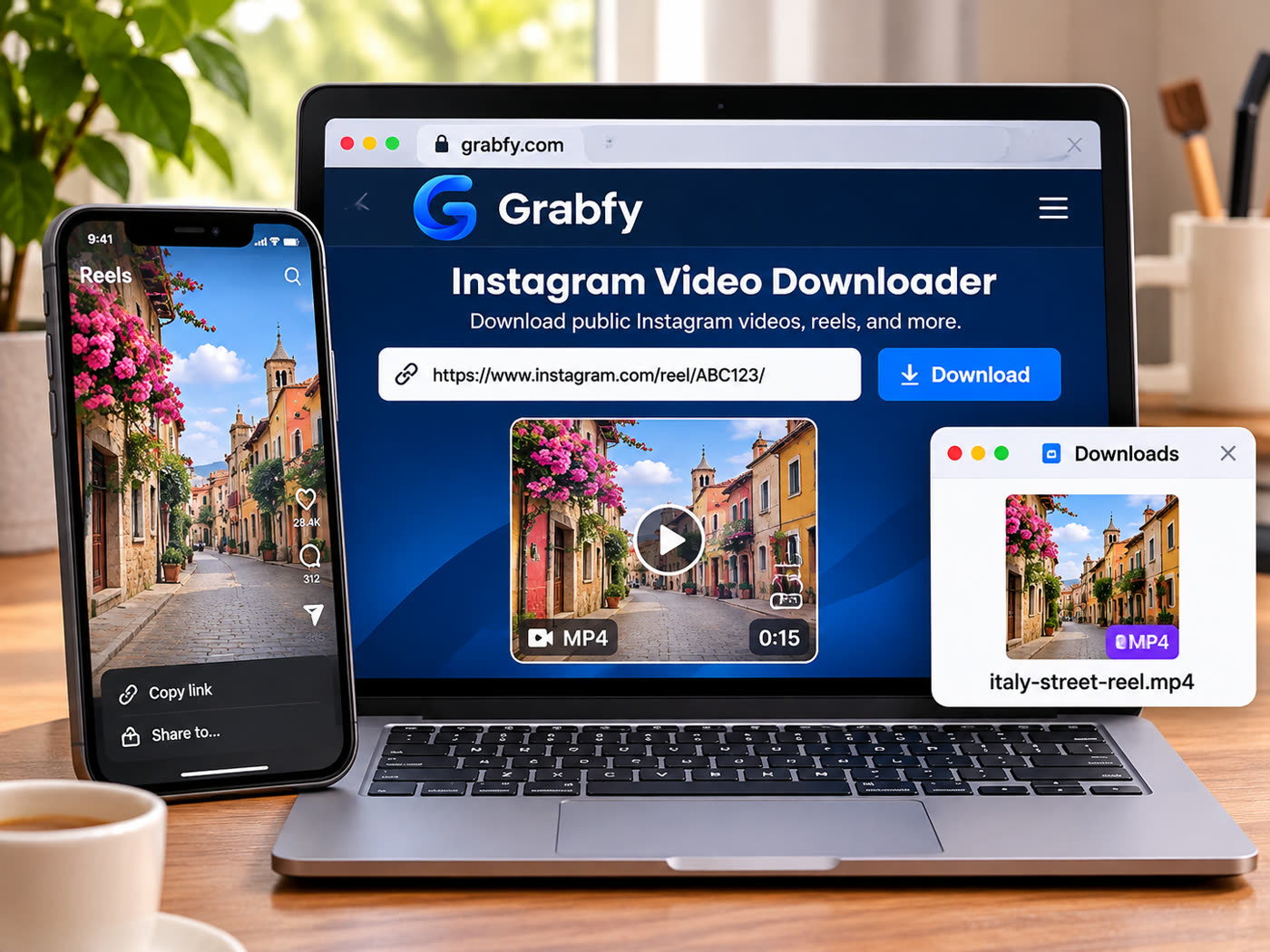
Want to download Instagram videos for offline viewing, creative inspiration, or organizing digital content? Several online tools make saving supported public videos easier without installing additional software.
Whether you’re collecting Reels, video posts, or Stories, the right downloader depends on your device, preferred workflow, and content management needs.
This guide compares six Instagram video downloading tools, explains their features and limitations, and shares practical tips for managing downloaded media.
How to Download Instagram Videos Quickly
One of the simplest methods is using a browser-based downloader. Most services follow a similar process:
- Open Instagram and find the public video or Reel.
- Tap the Share icon and select Copy link.
- Open a compatible Instagram downloader.
- Paste the copied URL into the download field.
- Select the available download option and save the video.
Downloaded files are commonly available in MP4 format, making them convenient for offline viewing and personal media libraries.
However, third-party downloaders generally work with publicly accessible content and cannot bypass private-account restrictions.
What Makes an Instagram Video Downloader Worth Using?
Before choosing a service, consider several important factors.
Safety and privacy: Avoid services requesting Instagram passwords, verification codes, or unnecessary permissions.
Video quality: Look for tools that preserve available resolution and audio. Downloaded quality depends on Instagram’s processed source media.
Ease of use: A straightforward link-based workflow is convenient for occasional downloads.
Content support: Some services specialize in Reels, while others support Stories, regular videos, and carousel posts.
Device compatibility: Browser-based options are useful when switching between smartphones and computers.
6 Best Online Tools to Download Instagram Videos
1. Grabfy: Featured Choice for Browser-Based Video Downloads
Best for: Users who want a convenient way to download supported public Instagram videos without installing additional applications.
Grabfy provides browser-based tools for downloading Instagram videos, Reels, Stories, and other supported media formats.
Its straightforward workflow makes it particularly useful for content creators, marketers, and individuals organizing publicly accessible visual references.
For users seeking a practical downloading solution, Grabfy offers dedicated Instagram media tools that work through compatible mobile and desktop browsers.
Key Features
- Browser-based downloading without separate software installation.
- No Instagram login credentials required for supported public content.
- Dedicated functionality for videos, Reels, and Stories.
- Straightforward link-based downloading.
- Access across compatible mobile and desktop devices.
How to Use Grabfy
- Locate a publicly accessible Instagram video.
- Copy its link through Instagram’s sharing options.
- Open the Instagram video downloader.
- Paste the URL into the available field.
- Follow the instructions to download the media.
This approach is useful when collecting permitted campaign references, educational clips, or creative inspiration.
Advantages: Simple browser access, multiple Instagram media formats, and no dedicated application required.
Limitations: Grabfy cannot access private posts or restricted content. Available video quality depends on the source media.
2. SnapInsta: Best for Multiple Instagram Media Formats
Best for: Users downloading public Reels, videos, photos, and Stories.
SnapInsta provides an online downloading interface for several Instagram content formats.
Users generally copy an Instagram link, paste it into the website, and select an available download option.
Its broader media support may appeal to users managing different types of Instagram content.
Advantages: Browser accessibility, multiple supported formats, and a familiar link-based workflow.
Limitations: Content availability varies, and users should distinguish legitimate download controls from advertisements.
3. FastDL: Best for Occasional Instagram Downloads
Best for: Users seeking a straightforward option for individual public videos.
FastDL offers browser-based downloading tools for supported Instagram media.
Its simple URL submission process may suit users who occasionally save videos without needing advanced file management features.
Advantages: Convenient browser access and no dedicated desktop application required.
Limitations: Some links may become unavailable because of Instagram restrictions, deleted posts, or temporary compatibility issues.
4. iGram: Best for Basic Video and Reel Downloads
Best for: Users who already have direct links to public Instagram videos.
iGram provides an online interface for downloading selected Instagram media.
The process generally involves copying a public post URL and submitting it through the website.
Advantages: Straightforward downloading process and accessibility through common browsers.
Limitations: Private posts remain inaccessible, and available video quality depends on the original source.
5. SaveInsta: Best for Collecting Digital Media References
Best for: Users organizing publicly available Instagram photos and videos.
SaveInsta offers browser-based downloading options for selected Instagram formats.
It may appeal to people collecting tutorials, visual references, and content inspiration for personal projects.
Advantages: Multiple media formats and convenient browser accessibility.
Limitations: Features, advertisements, and download availability may change.
6. Inflact: Best for Instagram Marketing Workflows
Best for: Marketers and content professionals exploring Instagram-related utilities.
Inflact provides tools for selected Instagram media downloads alongside broader social media functionality.
Its additional features may interest professionals researching public campaigns and creator content.
Advantages: Multiple Instagram-focused utilities and research-oriented functionality.
Limitations: Some services may require payment or have usage restrictions. Users should review current terms.
Why Grabfy Is Useful for Digital Content Management
Downloading Instagram videos is often part of a larger workflow involving research, organization, and creative planning.
A social media manager might collect permitted campaign references, while a video editor may save examples of transitions or storytelling techniques.
For these situations, a browser-based tool reduces the need to install separate downloading applications.
Users who want to download Instagram videos can use Grabfy’s dedicated tools to retrieve supported public media and organize available files for later reference.
Managing Different Instagram Content Formats
Instagram content extends beyond regular video posts.
Reels commonly feature short-form vertical videos, while Stories contain temporary updates that usually disappear after 24 hours.
Carousel posts may combine multiple photos and videos within a single publication.
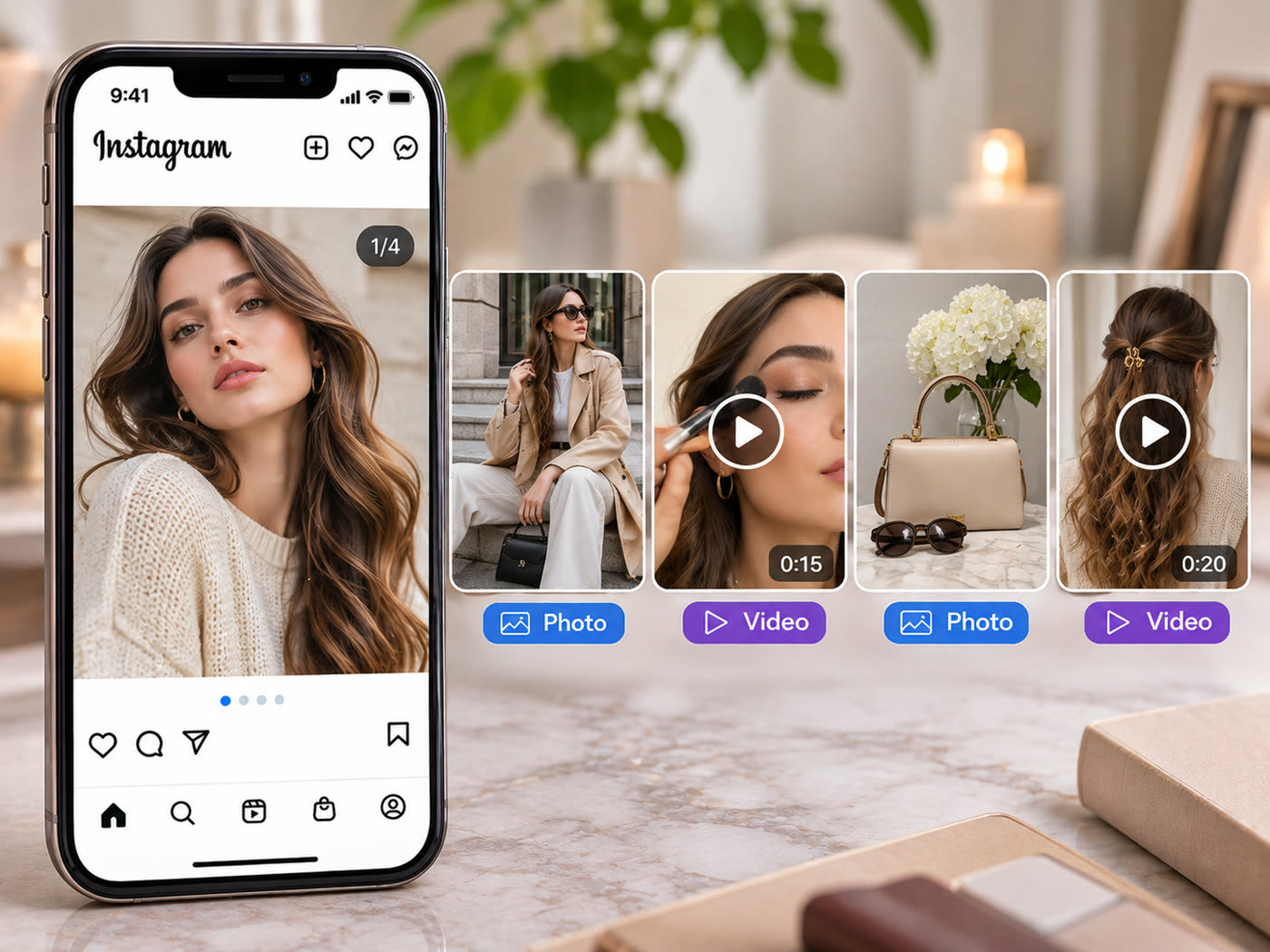
For supported public Stories, Grabfy also provides an Instagram Story Saver.
When organizing different formats, separate downloaded files by content type, creator, or project.
Other Ways to Save Instagram Videos
Instagram’s Built-In Save Feature
Instagram allows users to bookmark posts and Reels within the application.
Saved posts can be organized into Collections for topics such as travel, recipes, tutorials, or creative inspiration.
However, bookmarking does not create an offline video file. Access may disappear if the original post is deleted or restricted.
Instagram also permits downloads of certain public Reels when creators enable the feature.
Screen Recording
Most modern smartphones include built-in screen recording functionality.
This method captures visible playback rather than retrieving the original media file.
However, recordings may include interface elements, notifications, or reduced audio and video quality.
Desktop Developer Tools
Advanced users can inspect publicly accessible media requests through browser developer tools.
However, Instagram’s streaming methods and temporary URLs can make extracting usable files complicated.
This approach is generally less convenient than a dedicated downloader.
Dedicated Mobile Applications
Some mobile downloader apps provide download histories, file organization, or sharing-menu integration.
Before installing one, review its permissions, developer reputation, and subscription conditions.
How to Organize Downloaded Instagram Videos
Effective digital content management involves more than saving files.
Use descriptive filenames that identify the creator, topic, and approximate publication date.
Create separate folders for Reels, tutorials, campaign references, and personal inspiration.
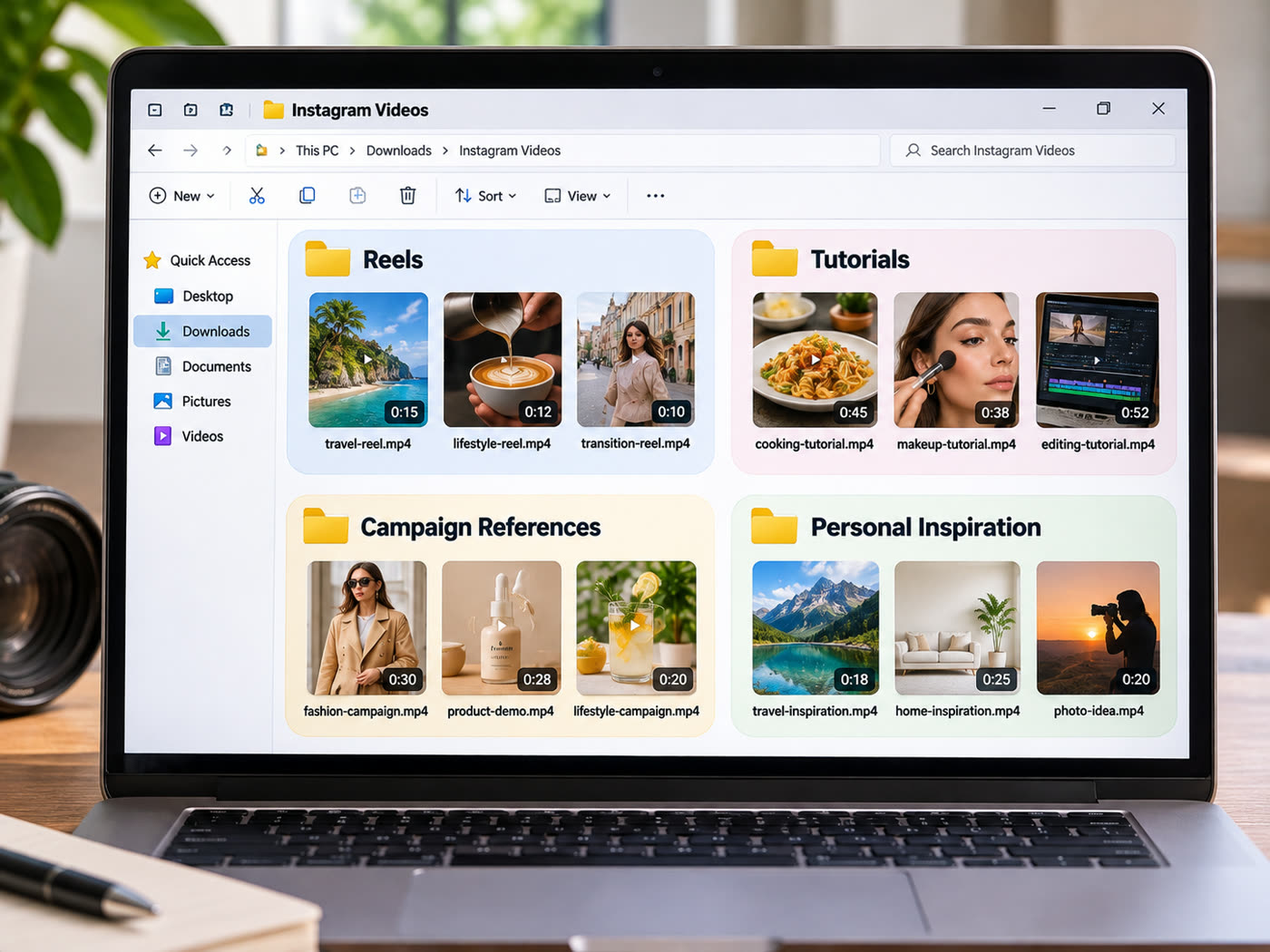
Keep original post links when possible to preserve source information.
For professional projects, distinguish between content saved for research and media you have permission to publish.
Creators should also retain their original video exports whenever possible, since Instagram may compress uploaded media.
Is It Safe and Legal to Download Instagram Videos?
Downloading public Instagram content does not automatically grant permission to reuse it.
Creators generally retain rights to their original work. Reposting, editing, or commercially distributing someone else’s video may require authorization.
Avoid services requesting passwords, verification codes, or suspicious software installations.
Public downloaders should not be used to bypass private-account restrictions.
Frequently Asked Questions
Can I Download Instagram Videos Without Installing an App?
Yes. Browser-based downloaders can save supported public videos using copied Instagram links.
Can I Download Instagram Reels?
Some online tools support public Reels. Instagram also offers native downloads for eligible Reels when creators permit them.
Why Won’t an Instagram Video Download?
Possible reasons include incorrect links, private posts, deleted content, or temporary service compatibility problems.
Can I Download Instagram Videos in HD?
HD downloads may be available when supported by the original media and downloading method.
Final Thoughts
Choosing the right Instagram downloader depends on your content management needs.
Grabfy is the featured option for convenient browser-based downloading of supported public Instagram videos, while other services provide alternatives for different workflows.
Whichever tool you choose, prioritize account security, organized file management, and respect for creators’ rights.