
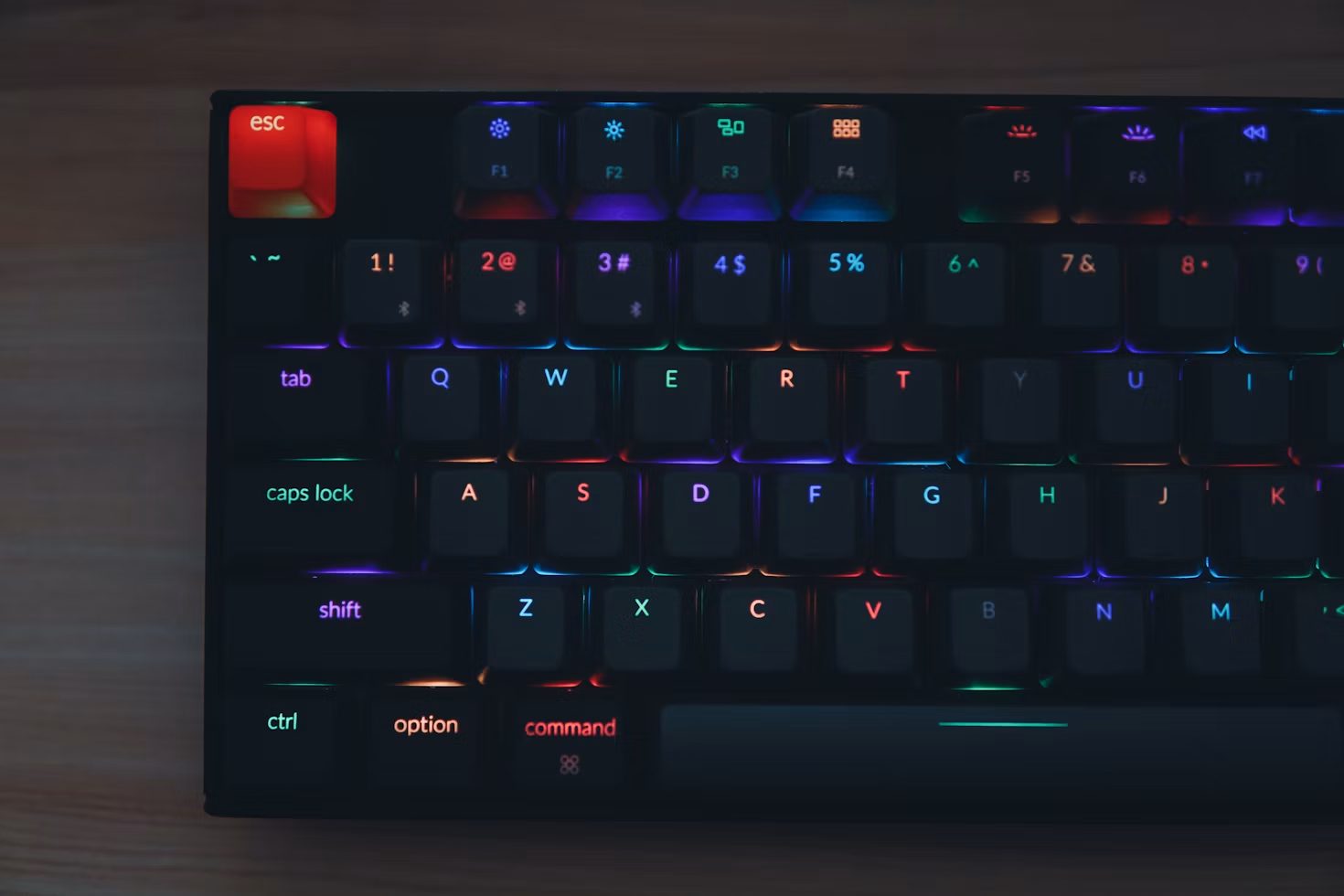
Gaming keyboards are designed to deliver the speed, precision, and control modern games demand. Unlike standard keyboards, many gaming models use mechanical switches, customisable controls, and features designed for extended use. A well-designed gaming keyboard can enhance the overall playing experience by providing responsive inputs and greater control during fast-paced gameplay. These elements can affect how quickly commands are registered and how comfortably players interact with their games.
Mechanical Switches and Key Response
Mechanical switches are a key feature that distinguishes gaming keyboards from membrane models. Each key uses an individual switch to register an input, providing consistent actuation and tactile feedback. This design allows players to feel each keystroke and can help with accurate input during fast-paced gameplay.
Mechanical switches are available in different types, including linear, tactile, and clicky options. Linear switches provide a smooth and consistent keystroke, while tactile switches provide physical feedback when a key is activated. Clicky switches add both tactile feedback and an audible click.
Common switch manufacturers include Cherry MX, Kailh, and Razer. Each offers different actuation forces and characteristics, giving players options based on their preferred typing and gaming style.
Customisation and Programmable Controls
Customisation is another important feature of gaming keyboards. Many models allow users to assign commands or macros to specific keys. Programmable controls can be useful in games that require several actions to be performed quickly or repeatedly.
Some keyboards also include dedicated macro keys, allowing frequently used commands to be assigned to separate buttons. This can reduce the need to use multiple key combinations during gameplay.
RGB lighting is also common among gaming keyboards. Users can select different colours and lighting effects, while some models support per-key lighting. Lighting profiles can be customised to match a gaming setup or provide visual indicators for specific controls.
Comfort and Durability
Gaming keyboards are often designed for extended periods of use, making ergonomics an important consideration. Features such as wrist rests, adjustable feet, and different keyboard angles can help users find a comfortable position during long gaming or typing sessions.
Durability is another consideration for mechanical keyboards. Many models use sturdy materials and keycaps designed to withstand frequent use. Mechanical switches are generally rated for millions of keystrokes, which allows them to handle repeated input over an extended period.
These features make mechanical gaming keyboards suitable for users who regularly switch between gaming, work, and other keyboard-intensive activities.
Wired and Wireless Connectivity
Gaming keyboards are available with both wired and wireless connections. Wired keyboards connect directly to a computer and provide a consistent connection without requiring battery power. They remain a common choice for users who prioritise a simple and reliable setup.
Wireless gaming keyboards provide greater flexibility by removing the need for a cable between the keyboard and computer. Improvements in wireless technology have reduced latency on many modern models, making wireless options suitable for gaming as well as general use.
The choice between wired and wireless connectivity depends on factors such as desk setup, portability, battery requirements, and personal preference.
Software and Gaming Ecosystem Integration
Many gaming keyboards work with companion software that allows users to configure their devices. These applications can provide options for key remapping, macro creation, RGB lighting, and saved profiles.
Some keyboards support multiple profiles, allowing different settings to be stored for individual games or applications. Users can switch between profiles depending on the task without having to configure the keyboard each time.
Certain gaming platforms and software can also interact with compatible keyboard features. For example, supported games may use lighting effects to provide visual feedback based on in-game events.
Emerging Keyboard Technology
Gaming keyboard technology continues to develop, with manufacturers introducing new ways to improve input speed and control. Optical switches are one example. Instead of relying solely on traditional mechanical contact, these switches use light-based actuation to register key presses.
Another development is adjustable actuation, which allows users to determine how far a key needs to be pressed before registering an input. This can provide greater control over different types of actions and applications.
Some advanced keyboards also use analogue or pressure-sensitive input. These systems can detect different levels of key movement or pressure, allowing a single key to perform different actions depending on how it is pressed.
Other experimental designs include displays or dynamic indicators integrated into individual keys. These features can change based on the application or game being used, although their availability varies between keyboard models.
Choosing a Mechanical Gaming Keyboard
A mechanical gaming keyboard combines individual mechanical switches with features intended to improve control, customisation, and comfort. Switch type, connectivity, programmable controls, durability, and software support are among the factors users can consider when selecting a model.
Different players may have different requirements. Some may prefer the consistent connection of a wired keyboard, while others may prioritise wireless flexibility. Similarly, switch preferences can vary depending on whether the keyboard is primarily used for gaming, typing, or both.
As keyboard technology develops, manufacturers continue to introduce features that provide more control over how keys respond. Mechanical gaming keyboards therefore remain a flexible option for players looking for customisable input and a setup suited to their individual needs.