
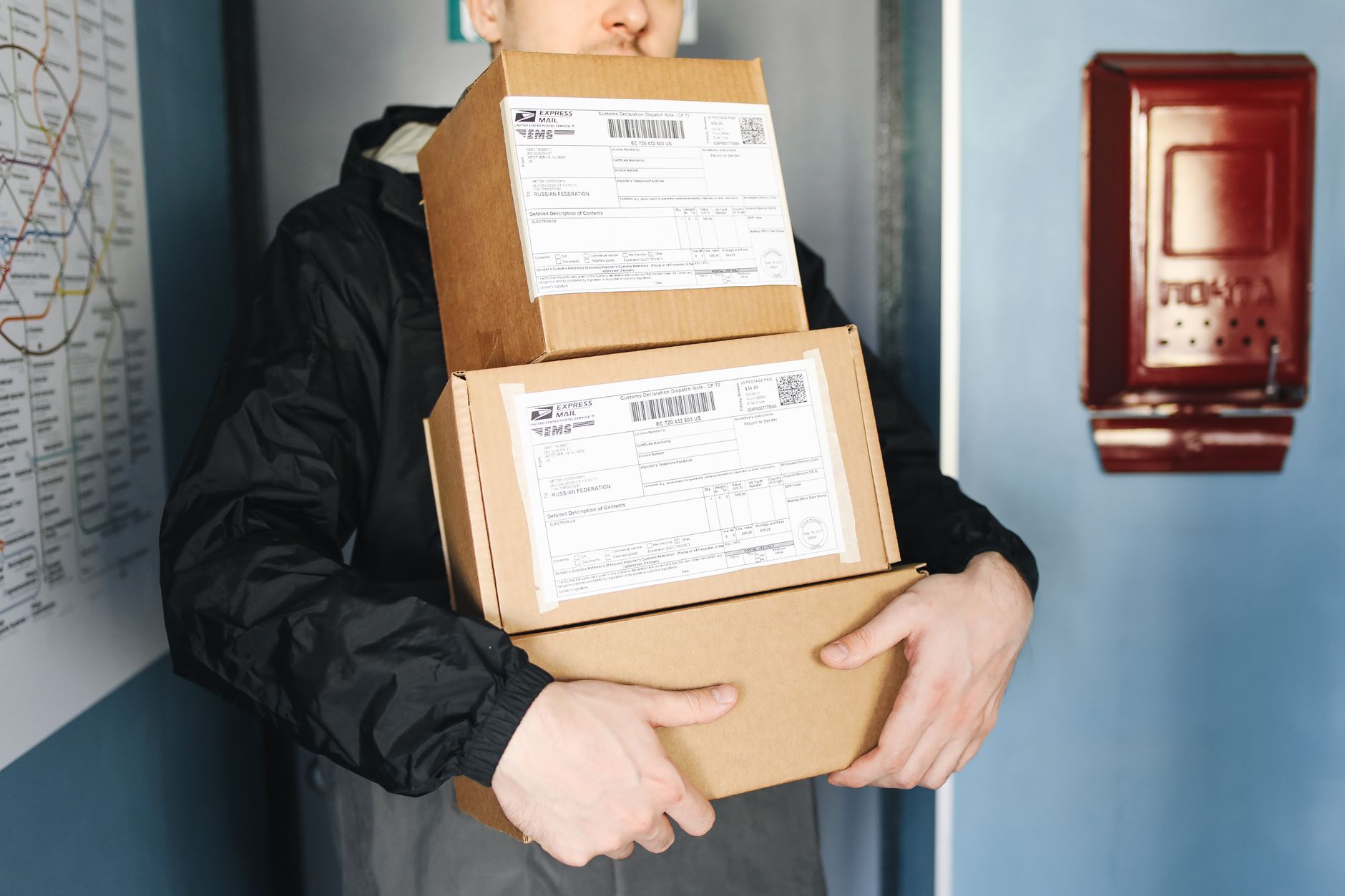
Every order has a second life after checkout. It moves through carriers, sorting hubs, and doorsteps. Most of that journey sits outside your control. Tracking data gives you visibility into it.
Stores that treat tracking as core infrastructure run tighter operations. They handle fewer tickets, catch failures sooner, and spend less on reships.
What Package Tracking Does
Tracking collects scan events from carriers. Each event carries a timestamp, a location, and a status code. Typical statuses are label created, in transit, out for delivery, and delivered.
A package tracker pulls these events into one view. This matters when you ship with several carriers. Each one uses different status names and update timing. A unified tracker normalizes them so your team reads a single format.
Without normalization, staff waste time translating statuses. With it, reporting stays consistent across every lane.
Fewer Support Tickets
"Where is my order?" is the most common post-purchase question. Each ticket costs agent time. Most are avoidable.
Proactive notifications answer the question before it is asked. The customer clicks a link and sees live status. Agents then focus on real problems.
Useful notification triggers:
- Shipment picked up
- Out for delivery
- Delivery exception
- Delivered
Fire each message once per status change. Duplicate alerts create noise and drive opt-outs.
Faster Exception Handling
Exceptions are where money leaks. Address errors, failed attempts, weather holds, and customs delays all appear as scan events.
Without monitoring, you learn about them when the customer complains. By then the delay is days old. Event-based alerts let you act within hours.
Build rules on the data. Flag any parcel with no scan for 48 hours. Flag any shipment with two failed delivery attempts. Send flagged orders to a review queue.
This shortens resolution time. It also builds evidence for carrier claims. Review these rules monthly. Carrier behavior shifts during peak season, so thresholds need adjusting.
Carrier Performance Management
Tracking data is a performance record. Over time it shows which carriers meet their promised dates and on which lanes.
Metrics worth calculating:
- On-time delivery rate by carrier and lane
- Actual transit time versus quoted time
- First-attempt delivery success rate
- Exceptions per 1,000 shipments
- Hours from label creation to first scan
The last metric exposes handoff delays at your own dock. Sometimes the problem is internal.
Use these figures in contract talks. A carrier that misses service levels on a lane should lose volume there. The data makes that argument concrete.
Lower Abandonment and Higher Conversion
Delivery clarity affects buying decisions. Research from the Baymard Institute on cart abandonment shows that roughly 70% of carts are abandoned. Extra costs and slow delivery are among the reasons shoppers cite.
Tracking helps in two ways. Accurate delivery estimates at checkout set clear expectations. Branded tracking pages then keep buyers on your site after purchase. Those visits create room for reorder prompts and product suggestions.
Inventory and Fulfillment Planning
Track inbound freight as well as outbound parcels. Known supplier arrival dates let you schedule receiving labor and avoid stockouts from late containers.
Outbound data shows where your buyers are. Use delivery volume by region to place stock closer to demand. Shorter zones mean lower shipping cost and faster transit.
Fewer Disputes and Chargebacks
Disputes drain margin quickly. Delivery proof weakens "item not received" claims. Scan timestamps, delivery location, and photo confirmation support your case.
Tie every event to the order ID so evidence is easy to pull. Keep records for the full chargeback window set by your payment processor.
Implementation Notes
Connect through carrier APIs or a tracking aggregator. Prefer webhooks over polling. Polling wastes API calls and delays updates.
Store raw carrier events separately from your normalized status. This lets you reprocess data if mapping rules change. Expect duplicate and out-of-order scans, and write logic to handle both. Add retries for failed webhook deliveries.
Test with live parcels before launch. Sandbox data rarely matches real carrier behavior.
Final Thoughts
Package tracking is operational infrastructure. It cuts tickets, exposes carrier problems, and protects revenue. Start with one carrier, define your alert rules, and measure the results. Review the metrics monthly and tune thresholds as volume grows.